> For the complete documentation index, see [llms.txt](https://lti.gitbook.io/user_guide/llms.txt). Markdown versions of documentation pages are available by appending `.md` to page URLs; this page is available as [Markdown](https://lti.gitbook.io/user_guide/zh-cn/yong-hu-zhi-nan/zhang-hu-xiang-qing/she-zhi-ye-mian.md).

# 设置页面

### 主账户

在主账户的 设置（Settings）页面，您可以管理以下账户设置：

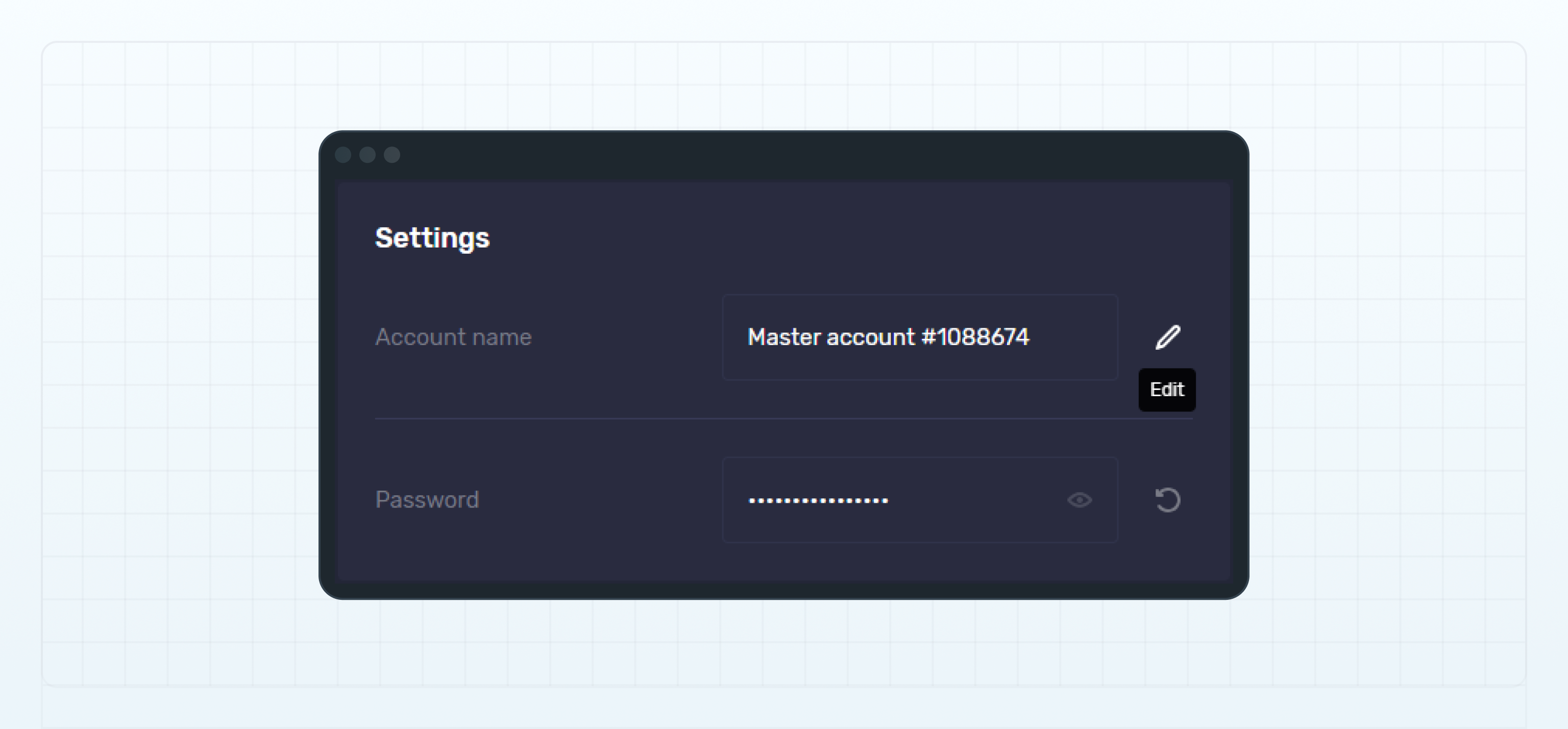
#### 账户名称和密码

您可以查看或更改主账户名称，并重置 MT4/5 账户的密码。

cTrader 账户的密码无法在此处重置，因为所有 cTrader 账户均关联至同一个 cTrader ID，并共用该 ID 的密码。

账户名称用于区分不同的主账户，并会显示在 交易员排行榜（Leaderboard）及 Web UI 的其他页面中。

有关详细信息，请参阅：

* **添加或更改账户名称**
* **重置账户密码**

<figure><img src="https://1963181118-files.gitbook.io/~/files/v0/b/gitbook-x-prod.appspot.com/o/spaces%2FNxwcNnEuBTBq87kginPk%2Fuploads%2Fgit-blob-2c4ebdea44b6e0dceb84cda669cd2fdb94d3a4ba%2Ffront-settings-settings.png?alt=media" alt="Master account name and password"><figcaption><p>Master account name and password</p></figcaption></figure>

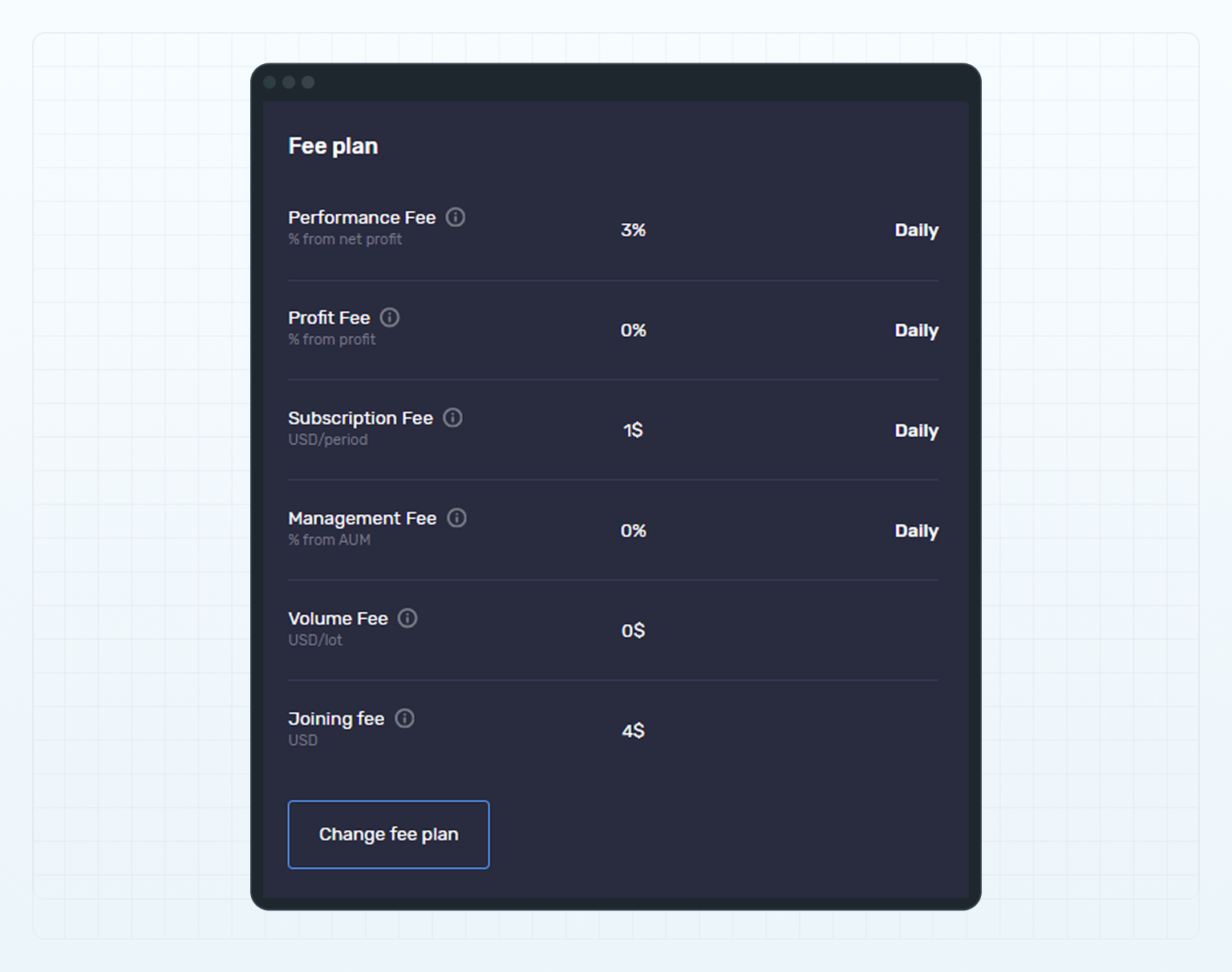
* #### 费用方案

  查看或修改投资者在订阅您的主账户时需要接受的费用方案。

  有关详细信息，请参阅**为主账户设置或修改费用方案**。

<figure><img src="https://1963181118-files.gitbook.io/~/files/v0/b/gitbook-x-prod.appspot.com/o/spaces%2FNxwcNnEuBTBq87kginPk%2Fuploads%2Fgit-blob-bde3580f3ea31b7a2cd271adcbf4103cec68535b%2Ffront-settings-fee-plan-section.png?alt=media" alt="Fee plan"><figcaption><p>Fee plan</p></figcaption></figure>

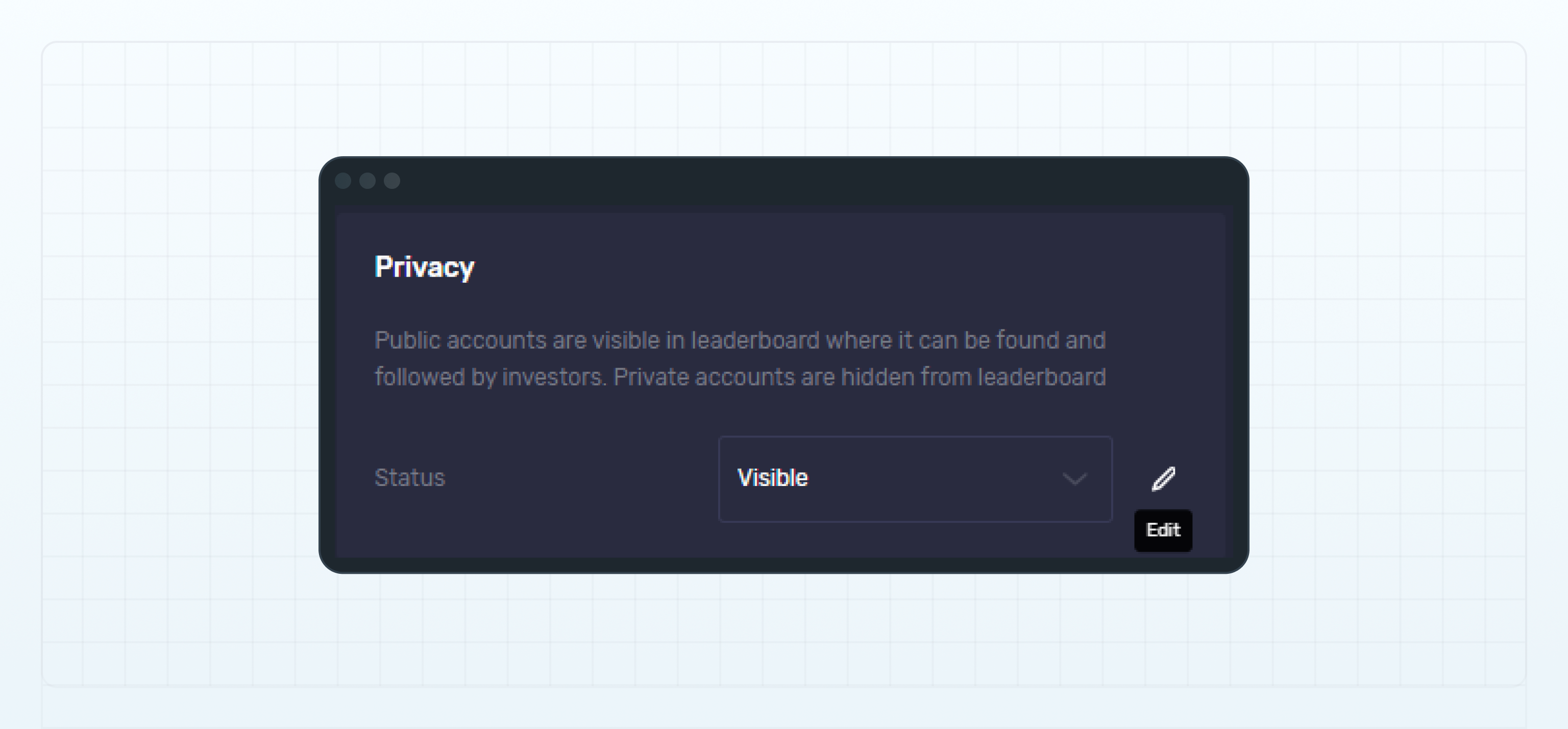
* #### 隐私设置

  选择主账户的可见状态。该状态决定您的账户是否显示在**交易员排行榜**中，或从排行榜中隐藏。

  有关详细信息，请参阅**更改主账户在交易员排行榜中的可见状态**。

<figure><img src="https://1963181118-files.gitbook.io/~/files/v0/b/gitbook-x-prod.appspot.com/o/spaces%2FNxwcNnEuBTBq87kginPk%2Fuploads%2Fgit-blob-79b0c5f747aae5d875ad8c77864bcff80fbd480d%2Ffront-settings-privacy.png?alt=media" alt="Privacy"><figcaption><p>Privacy</p></figcaption></figure>

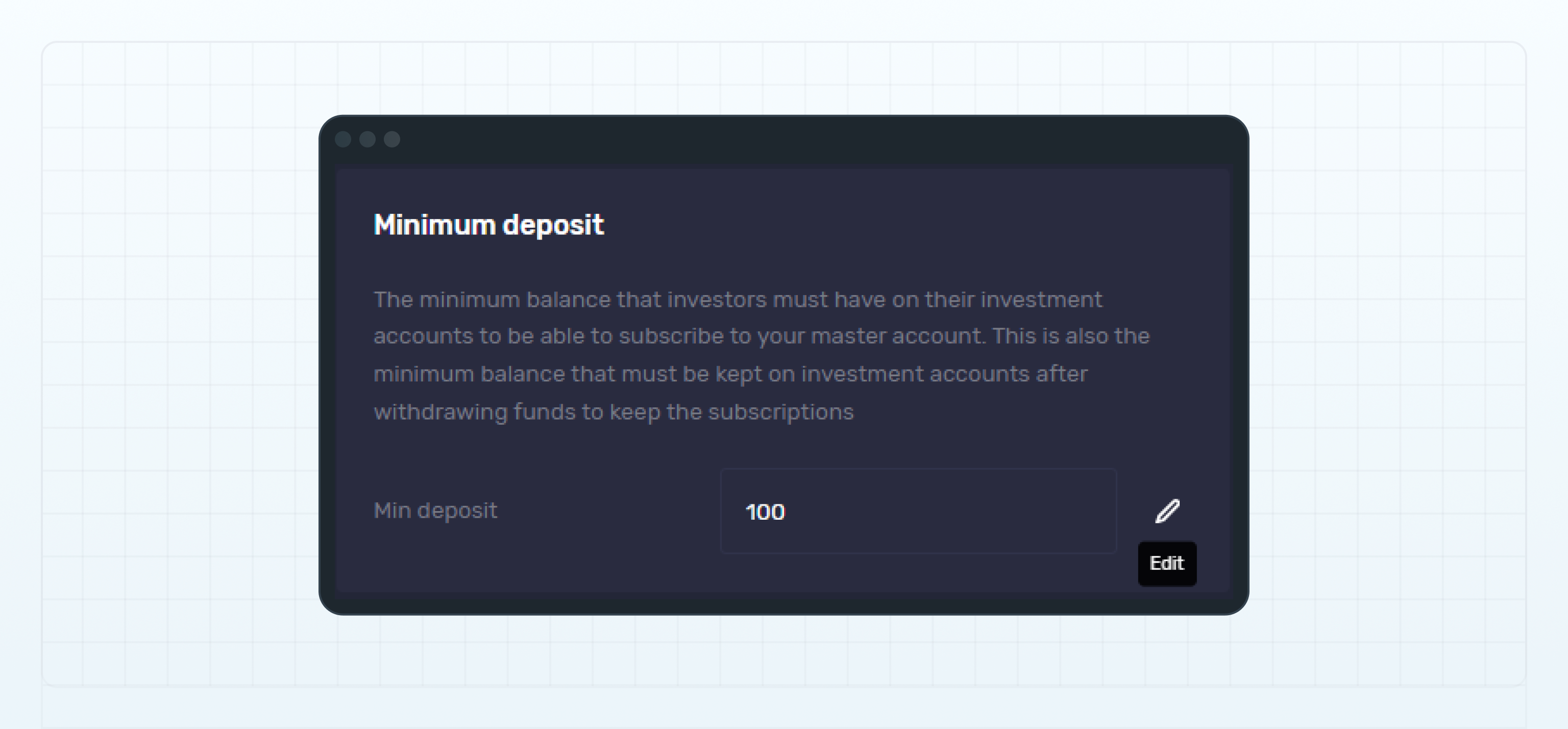
* #### 最低入金金额

  为主账户设置最低入金金额。

  该金额决定投资账户订阅您的主账户时必须具备的最低余额。投资者提款后，投资账户也必须继续保持相同的最低余额，才能确保跟单订阅维持有效状态。

  有关详细信息，请参阅**为主账户设置最低入金金额**。

<figure><img src="https://1963181118-files.gitbook.io/~/files/v0/b/gitbook-x-prod.appspot.com/o/spaces%2FNxwcNnEuBTBq87kginPk%2Fuploads%2Fgit-blob-ec8712d762688e9b54e3774667d41c419e2ec4f8%2Ffront-settings-minimum-deposit.png?alt=media" alt="Minimum deposit"><figcaption><p>Minimum deposit</p></figcaption></figure>

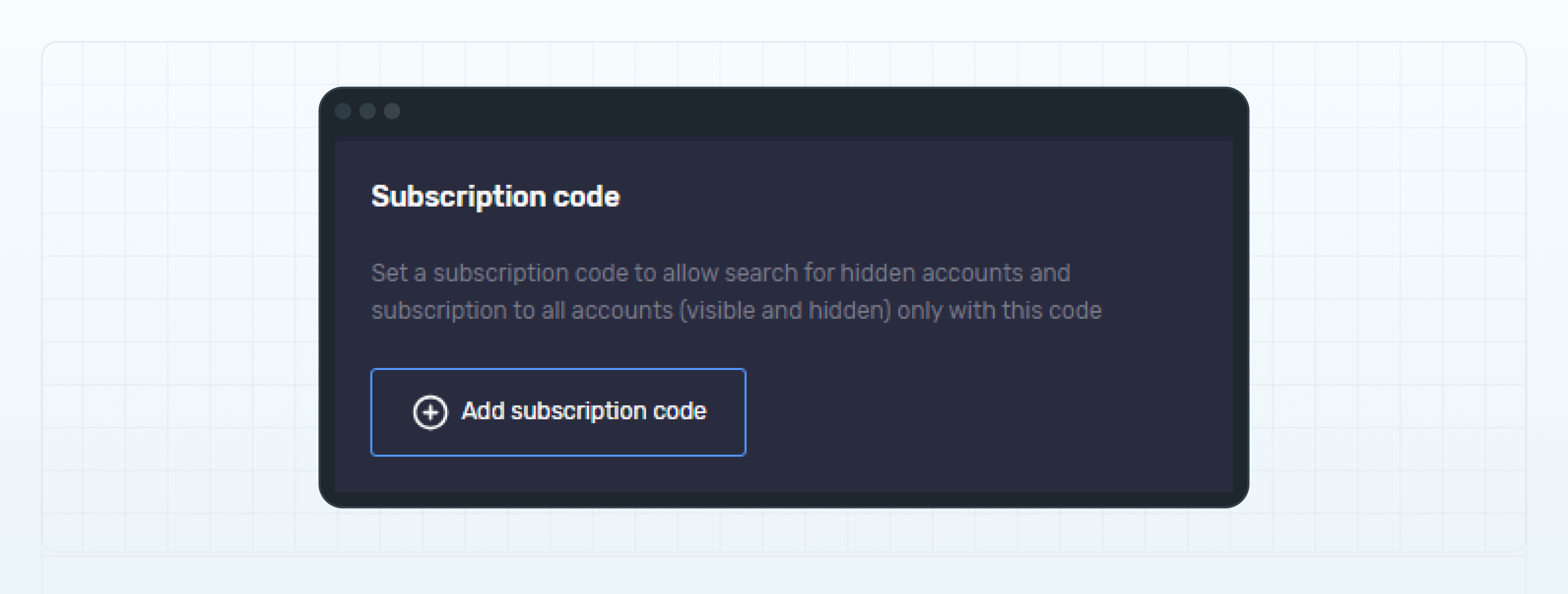
* #### 订阅码

  设置主账户的订阅码，以控制投资者对该账户的订阅访问权限。

  有关详细信息，请参阅**为主账户设置订阅码**。

<figure><img src="https://1963181118-files.gitbook.io/~/files/v0/b/gitbook-x-prod.appspot.com/o/spaces%2FNxwcNnEuBTBq87kginPk%2Fuploads%2Fgit-blob-a2dbe6374696a813dd9998ef4159ea3c28d32464%2Ffront-settings-subscription-code.png?alt=media" alt="Subscription code"><figcaption><p>Subscription code</p></figcaption></figure>

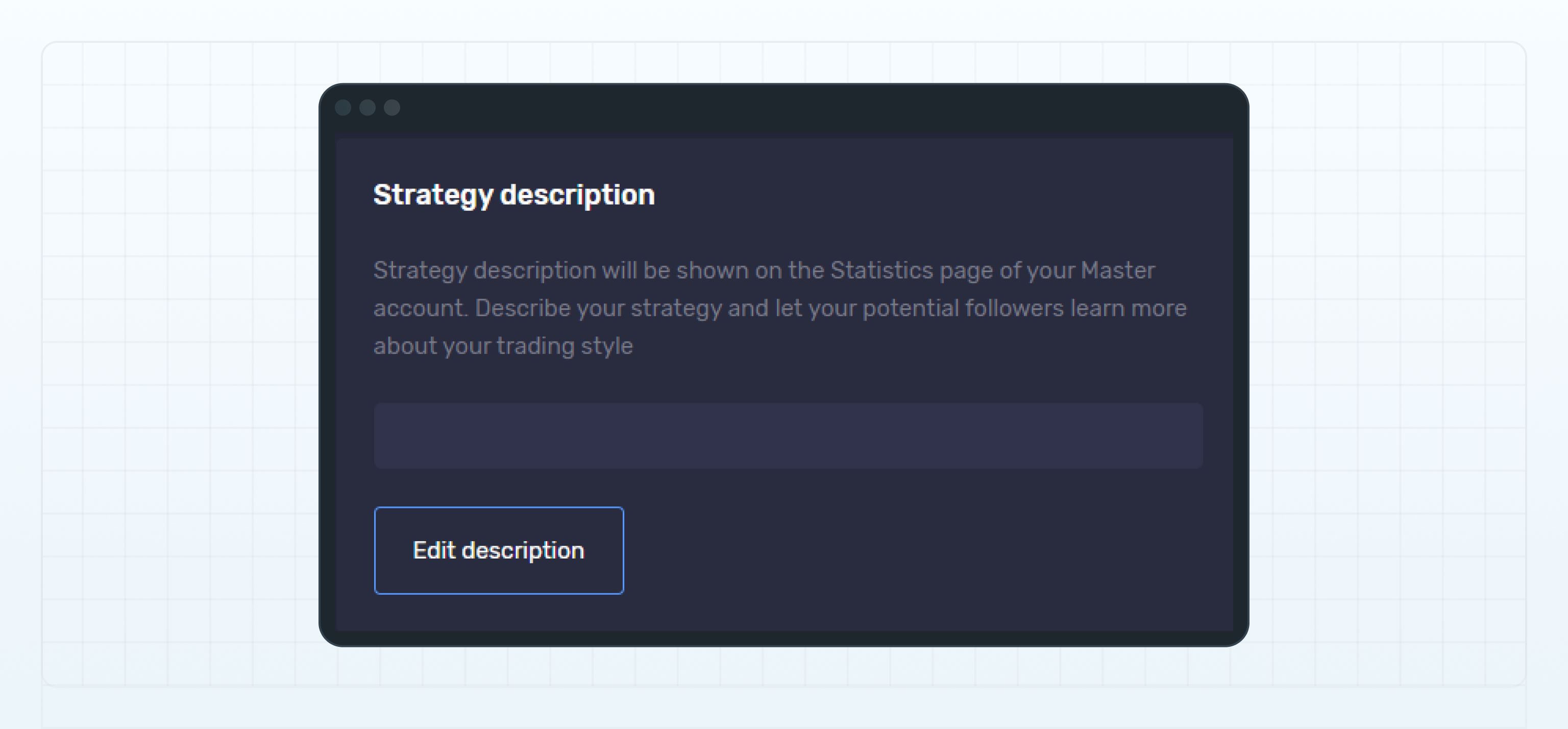
* #### 策略说明

  输入您的交易策略说明，让潜在投资者进一步了解您的交易风格。

  策略说明将显示在账户的 统计（Statistics）页面。投资者可以在订阅您的主账户之前查看该信息。

<figure><img src="https://1963181118-files.gitbook.io/~/files/v0/b/gitbook-x-prod.appspot.com/o/spaces%2FNxwcNnEuBTBq87kginPk%2Fuploads%2Fgit-blob-07644175c2a5b75abd8fc6e0e4289daaf72730a8%2Ffront-settings-strategy-description.png?alt=media" alt="Strategy description"><figcaption><p>Strategy description</p></figcaption></figure>

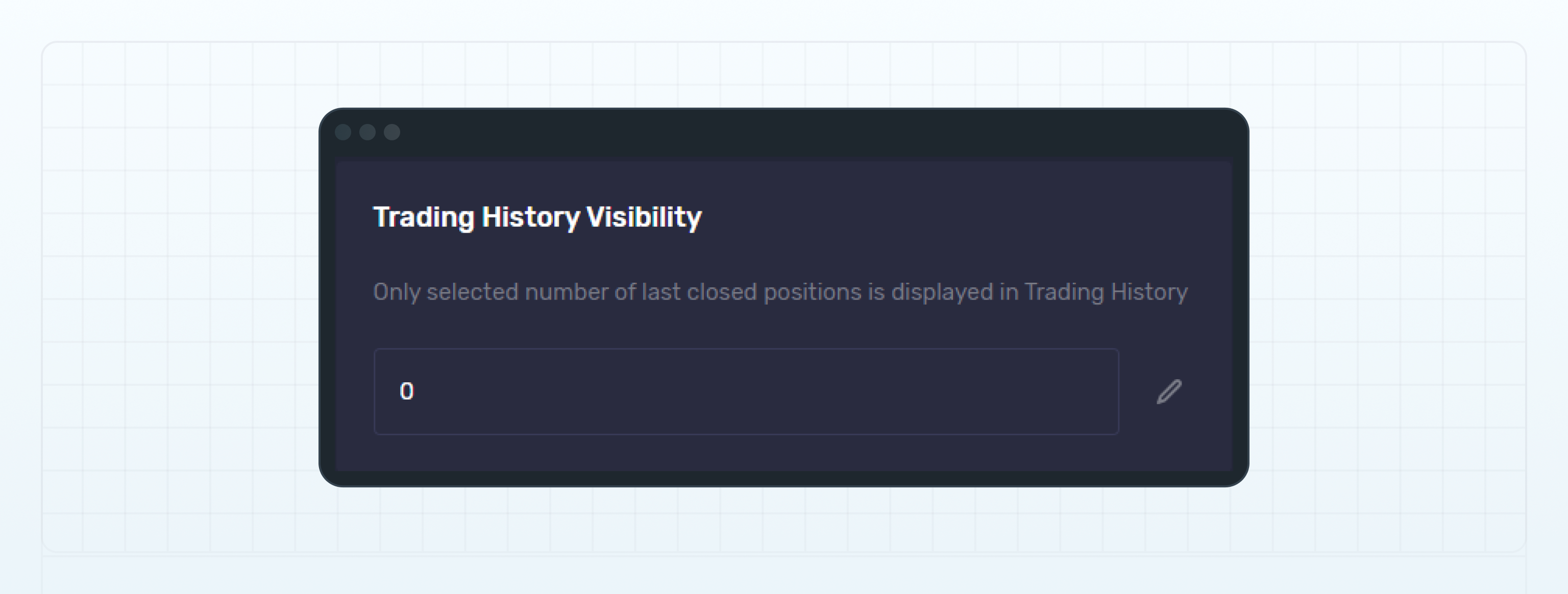
* #### 交易历史显示数量

  输入您希望在主账户**统计**页面的交易历史中显示的已平仓头寸数量。

  交易历史将仅显示指定数量的最近已平仓头寸。

<figure><img src="https://1963181118-files.gitbook.io/~/files/v0/b/gitbook-x-prod.appspot.com/o/spaces%2FNxwcNnEuBTBq87kginPk%2Fuploads%2Fgit-blob-40090504839e00d83742f502782ff096889e841e%2Ffront-settings-trading-history-visibility.png?alt=media" alt="Trading history visibility"><figcaption><p>Trading history visibility</p></figcaption></figure>

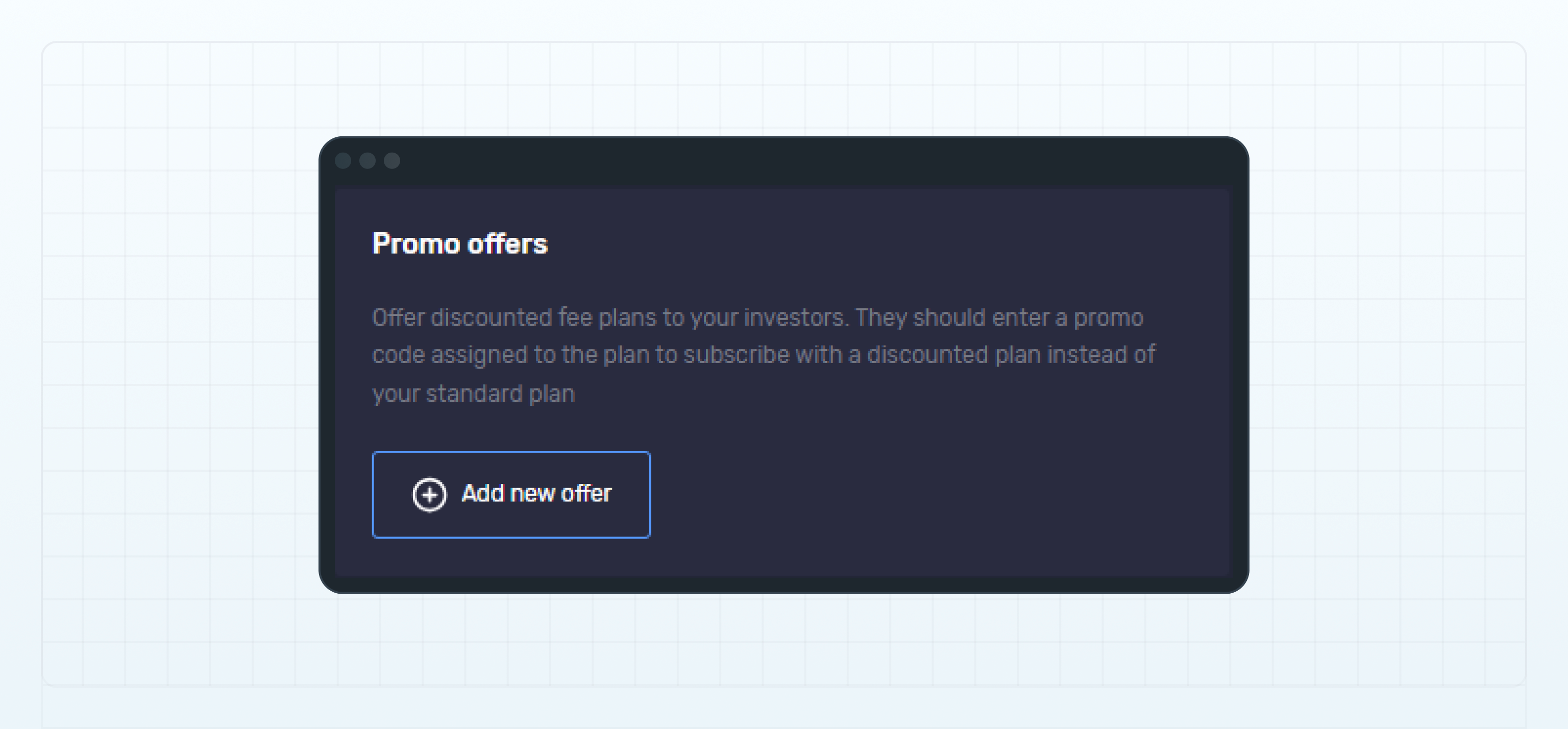
* #### 优惠活动

  您可以设置一个或多个优惠活动，在投资者订阅您的主账户时为其提供费用方案折扣。

  有关详细信息，请参阅**为主账户设置优惠活动**。

<figure><img src="https://1963181118-files.gitbook.io/~/files/v0/b/gitbook-x-prod.appspot.com/o/spaces%2FNxwcNnEuBTBq87kginPk%2Fuploads%2Fgit-blob-428278216c9ec1ee41e25fbce5925f0ba0f78614%2Ffront-settings-promo-offers.png?alt=media" alt="Promo offers"><figcaption><p>Promo offers</p></figcaption></figure>

### 投资账户

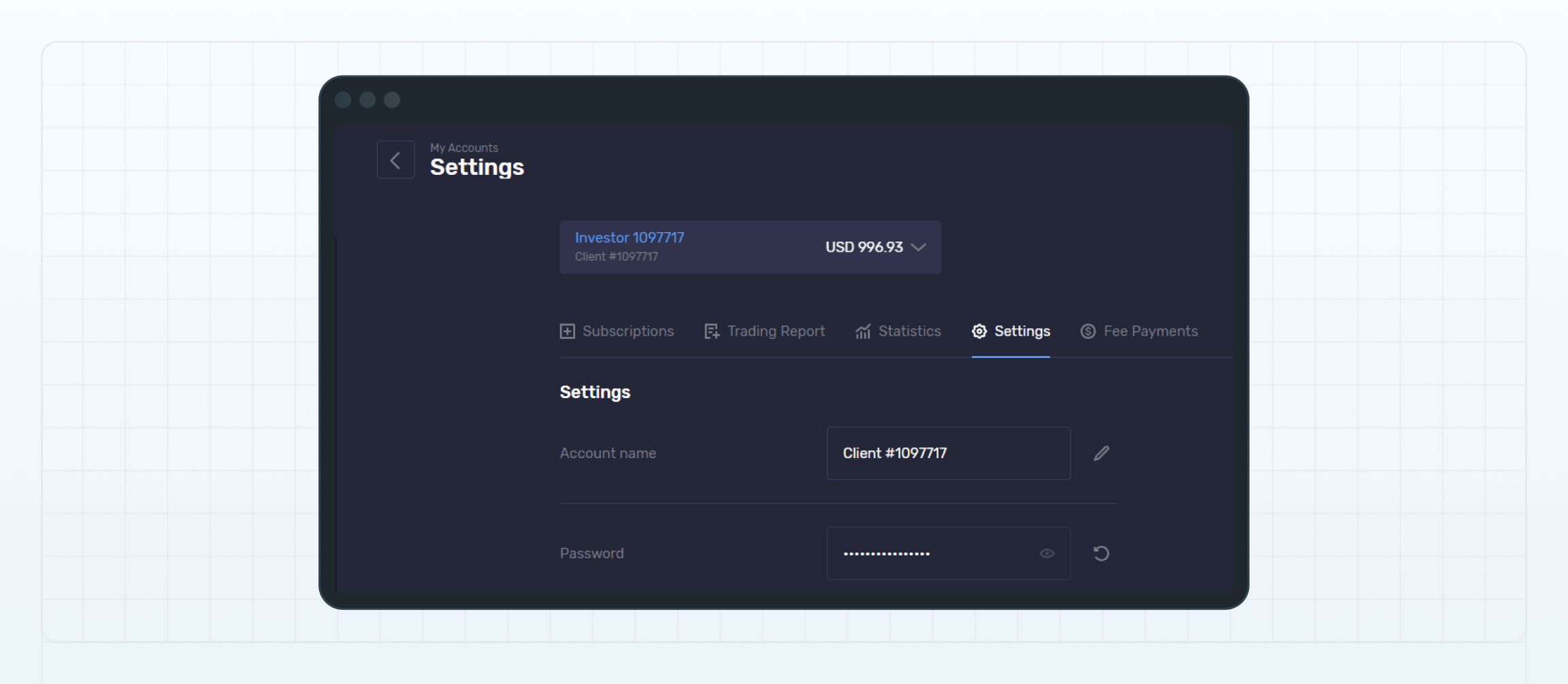
在投资账户的 设置（Settings）页面，您可以查看和更改账户名称，并重置账户密码。

<figure><img src="https://1963181118-files.gitbook.io/~/files/v0/b/gitbook-x-prod.appspot.com/o/spaces%2FNxwcNnEuBTBq87kginPk%2Fuploads%2Fgit-blob-2ab4dd6a440e829f378d836df01cd17b92108af1%2Ffront-settings-for-investment-account.png?alt=media" alt="Settings page of an investment account"><figcaption><p>Settings page of an investment account</p></figcaption></figure>


---

# Agent Instructions
This documentation is published with GitBook. GitBook is the documentation platform designed so that both humans and AI agents can read, navigate, and reason over technical content effectively. Learn more at gitbook.com.

## Querying This Documentation
If you need additional information that is not directly available in this page, you can query the documentation dynamically by asking a question.

Perform an HTTP GET request on the current page URL with the `ask` query parameter, and the optional `goal` query parameter:

```
GET https://lti.gitbook.io/user_guide/zh-cn/yong-hu-zhi-nan/zhang-hu-xiang-qing/she-zhi-ye-mian.md?ask=<question>&goal=<endgoal>
```

`ask` is the immediate question: it should be specific, self-contained, and written in natural language.
`goal` is optional and describes the broader end goal you are ultimately trying to accomplish on behalf of the user. GitBook uses it to tailor the answer towards what is most useful for that goal.

The response will contain a direct answer to the question and relevant excerpts and sources from the documentation.

Use this mechanism when the answer is not explicitly present in the current page, you need clarification or additional context, or you want to retrieve related documentation sections.